DNS Record Types
Before We Start Question Is ?
How does a browser know where a website lives ? 🤔
When we type any website like google.com in a browser, the browser does not know directly where that website is. Computers and browsers only understand numbers called IP addresses. We cannot remember many numbers, so we remember names like google.com. Because of this, we need a system that can give us the number when we type the name.
What is DNS ?
DNS is a Phonebook of internet. It connects domain names to IP addresses. It helps computers find the correct server when we enter a domain name.
How 🤔?
When we save any person’s mobile number we save their name and number (example name = Dev and number = 987654321). After saving we remember only the name. When we want to call that person we search the name like Dev, not the number. Because we cannot remember many numbers.
Same task DNS does. DNS provides IP to name so that the browser can call the correct server.
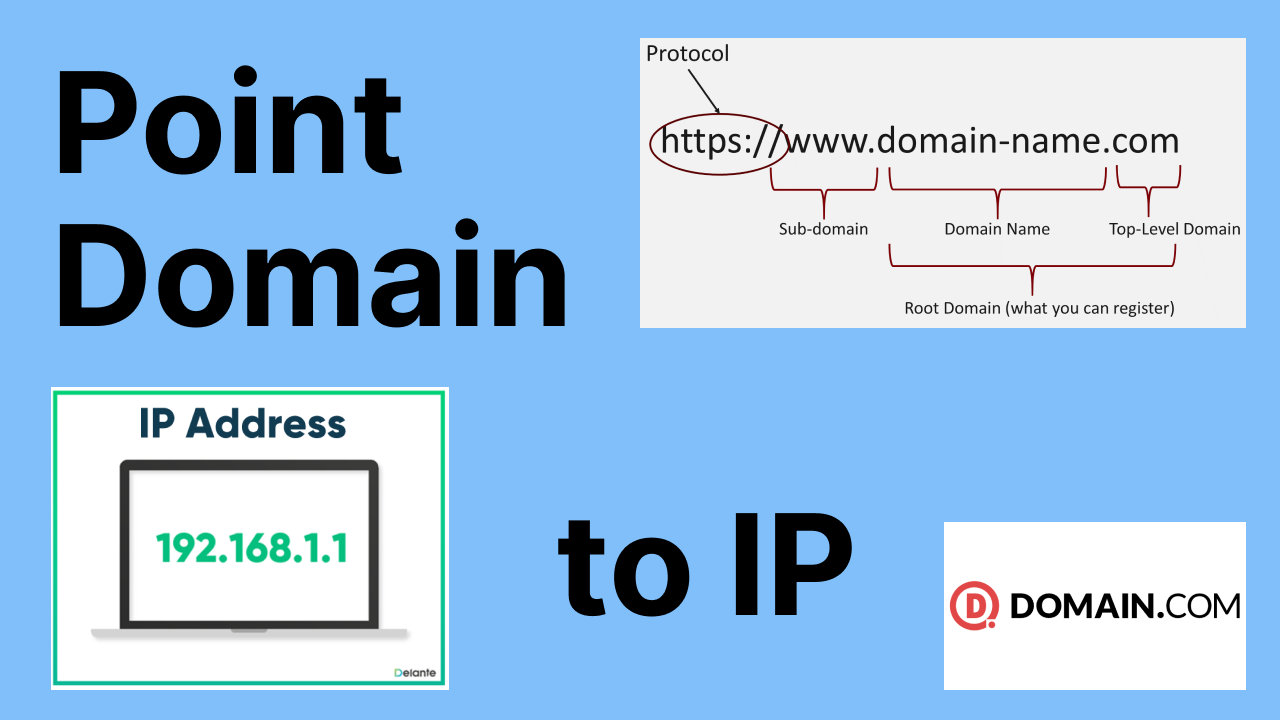
Why DNS records are needed 🤔
DNS records are needed because every domain needs different instructions. Some DNS records tell where the website is hosted, some tell where email should go, and some records are used for verification. Without DNS records, internet services will not know what to do with your domain.
Just understand it like this
Every country has a different phone code. For example:
+1 is for USA
+91 is for India
+92 is for Pakistan
The phone number may look similar, but the country code tells the network where to send the call.
DNS records work in a similar way. The domain name may be the same, but different DNS records tell the internet where to send different types of requests.
Example:
A Record sends the browser to the website server (IPv4).
AAAA Record sends the browser to the website server (IPv6).
MX Record sends emails to the mail server.
CNAME Record sends the request to another domain name.
NS Record tells which DNS provider has the records.
TXT Record is used for verification and email checks.
So just like country codes guide phone calls to the correct country, DNS records guide internet traffic to the correct service.
NS Record
Think of a domain like a person’s file. Now that file is stored in some office. If someone needs information about that person, they must ask the office where the file is stored.
NS record works in the same way. It tells which DNS office (DNS provider) has the DNS file of the domain.
Example: If your domain uses Cloudflare, then NS record says “go to Cloudflare, they have all DNS information for this domain.”
NS record does not point to website IP. It only tells which DNS provider controls the domain.
A Record
A record connects a domain name to an IPv4 address.
This is similar to saving a contact in your phone with name and number. When we want to call a person, we search by name and the phone gives us the number.
Same way, A record saves domain name and IPv4 number. When a browser requests the domain, DNS gives the IPv4 number.
Example:
Name = example.com
IPv4 = 93.184.216.34
Browser uses this number to reach the server.
AAAA Record
AAAA record is like A record but it connects the domain name to an IPv6 address instead of IPv4.
IPv6 is just a newer format of IP.
Example:
Name = example.com
IPv6 = 2001:db8::1
So AAAA is name to IPv6 mapping.
CNAME Record
Imagine you have a nickname. Example: People call you Dev but your real name is Devendra. When someone searches Dev in contacts, it actually points to Devendra. So Dev is not a separate contact, it is just another name for the same contact.
CNAME works the same way. It connects one domain name to another domain name instead of an IP.
Example:
www.example.com CNAME to example.com
This means www does not have its own IP. It uses example.com’s IP.
MX Record
Think of emails like physical letters. When someone sends a letter to your house, the postman needs to know which post office handles your area.
MX record is like the post office address for your domain’s emails. When someone sends email to your domain, MX record tells which mail server should receive the email.
Example:
If a domain uses Google Workspace, MX records point to Google’s mail servers.
MX is only for receiving emails.
Sending and Receiving Emails
MX handles email receiving. For sending emails there is no special record like MX. Instead sending uses TXT based records:
SPF tells which servers can send emails for your domain.
DKIM checks if the email is signed correctly.
DMARC tells how to treat bad or fake emails.
So:
Receiving emails uses MX.
Sending and verification use SPF, DKIM and DMARC inside TXT.
TXT Record
TXT record is like writing a simple note for extra information. It is mostly used for verification and email security.
Example uses:
Domain ownership verification for Google, Microsoft and Zoho.
SPF record for sending email servers.
DKIM public key for email signing.
DMARC policy for email validation.
TXT does not control where website goes. It is only for information and verification.
How all DNS records work together for one website
For a normal website, NS record decides which DNS provider controls the domain. A or AAAA record sends visitors to the correct server by giving IP address. CNAME connects one name to another name. MX helps incoming emails find the correct mail server. TXT records help with verification and email security. All these records together make sure website opens correctly, emails work properly, and ownership can be verified when needed.